Can WhatsApp Ban Your Business Account? How to Protect It
Can WhatsApp ban your business account? Yes, and it's easier than you think
You wake up on a busy Monday, open WhatsApp to confirm the day's appointments and run straight into this message: "This phone number is banned from using WhatsApp." Having your WhatsApp business account banned isn't a rare stroke of bad luck. It happens every day to barbershops and salons, and the owner almost never knew they were doing anything wrong.
And that's the problem. That number carries far more than conversations: it's your schedule, your history with every client, the link on your Instagram, your Google profile and the business cards you've handed out for the last three years. Lose all of that at once and the damage is serious.
Let's break down what actually makes WhatsApp take down a business number, why the workaround so many people use is a ticking time bomb, and what you can do today so you can sleep at night.
Why WhatsApp bans a business account
WhatsApp has automated systems that watch for behavior that looks like spam. The harsh part is that it acts first and asks questions later. Most of the time there's no warning, no immediate second chance, and the appeal to get your number back is slow (when it works at all).
The most common reasons I see barbershop and salon numbers go down:
- Mass messaging. Sending the same promotion to 300 clients at once, especially from a new number, is the fastest way to get flagged as spam.
- Lots of messages to people who never replied. If you start conversations with people who don't have your number saved and don't respond, WhatsApp reads that as unsolicited contact.
- Blocks and reports. Every time a client taps "Block" or "Report", it counts against your number. A handful in a short period is enough.
- Unofficial apps (GB WhatsApp, modified versions). Using a "souped-up" version of the app is a direct violation of the Terms. It's practically asking for a ban.
- Automation through screen reading or a phone's SIM. That little bot that controls WhatsApp through the phone, reading the screen and typing on its own, is exactly the pattern the system hunts for.
- A new number sending too fast. A freshly bought SIM already firing off dozens of messages looks like an account created only for spam.
Notice one thing: almost none of these reasons is "being a real business serving real clients." The problem is almost always the tool used to automate and the way messages are sent.
The root of the problem: workarounds vs. the official API
This is where almost nobody is honest with you when they're selling a "WhatsApp bot."
What the workaround is (and why it's dangerous)
Many cheap automation tools work by connecting to regular WhatsApp (the one on your phone) behind the scenes. Technically, it's called an unofficial connection. They simulate a phone that's switched on, read the screen and reply for you.
Does it work? At first, yes. Until WhatsApp spots the pattern. When it does, it doesn't ban the tool, it bans your number. The bot company carries on as usual and you're left without your account. I've seen this happen to people who were paying very little and thought they'd found a great deal.
Signs that a tool relies on a workaround:
- It keeps asking you to scan a QR code with the regular WhatsApp on your phone.
- It promises "unlimited mass messaging to lists."
- It never mentions anywhere that it uses the "Official API" or that it's a Meta partner.
- The price is suspiciously low, with no real structure behind it.
What the official WhatsApp API is
The official API is the channel Meta (WhatsApp's owner) created so businesses can use automation within the rules. Instead of pretending to be a phone, your business talks directly to WhatsApp's servers, with authorization.
In practice, that gives you:
- A verified, stable account. No flaky QR code, no dropping out of nowhere, no relying on a phone left switched on in a corner of the shop.
- Much lower risk of being banned for automation, because the automation is authorized. What still applies is common sense (don't spam).
- A business badge and official profile, which builds more trust with people who message you.
The official API isn't something you can simply sign up for on your own. It's made available through companies certified by Meta, known as Tech Providers. That's where your choice of who to work with comes in.
How RobotiZap protects your business account
RobotiZap is a Meta-certified Tech Provider. In plain English: we're an official partner, and your customer service runs on the official WhatsApp API, not on a phone-and-QR-code workaround.
That works against bans for two reasons.
First, the foundation is legitimate. Your number starts operating the way Meta expects a business to, with an official profile and an authorized connection. You're not at the mercy of a SIM card that could drop at any moment.
Second, the way it serves clients is healthy by nature. RobotiZap is an assistant that replies to people who contact you and handles booking, not a machine spitting promotions at a cold list. The client sends a message, the virtual receptionist replies right away, books the appointment and that's it, 24 hours a day. That's exactly the kind of use WhatsApp wants to see. If you want to understand the mechanics, take a look at how WhatsApp AI booking actually works.
The assistant works in two modes, and you choose:
- Step-by-step mode (menu): the client picks from options, straightforward and error-free.
- Human-like conversational AI: it understands free text and even voice messages. A client sends "hey, can you fit me in for a cut and beard tomorrow afternoon?" and the AI takes care of it.
And because everything runs on an official foundation and responds to clients rather than blasting them, you get the good side of automation (answering nonstop, booking on its own) without the risk that takes others down. Speaking of which, it's worth seeing what changes when you have 24/7 WhatsApp customer service for your salon or barbershop.
Workaround vs. official API: a direct comparison
| Point | Workaround (regular WhatsApp / modified app) | Official API (via a Tech Provider) |
|---|---|---|
| Risk of being banned | High, it's only a matter of time | Low, authorized connection |
| Stability | Drops out, depends on a phone being on | Stable, runs on the servers |
| Who gets banned | Your number | — |
| Verified profile | No | Yes |
| Within Meta's rules | No | Yes |
| Mass messaging to cold lists | "Allowed" (and gets you burned) | Clear rules |
The middle column is deceptive because it "works for a few months." The cost shows up later, once you've come to depend on that number.
What to do today to protect your number
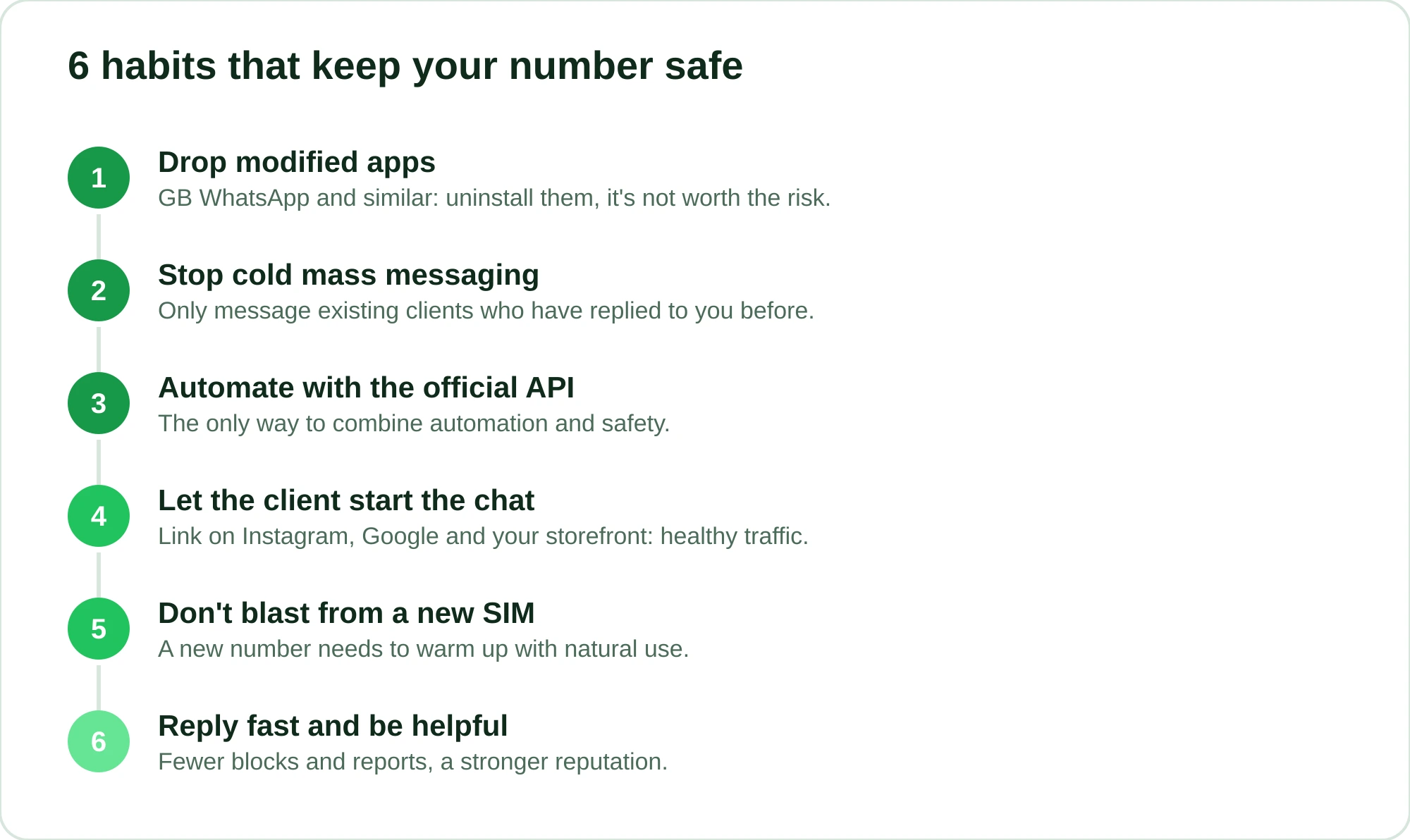
Whatever tool you use, a few habits go a long way:
- Get rid of any modified app. GB WhatsApp and similar: uninstall them. It's not worth the risk.
- Stop mass messaging bought or cold lists. If you're announcing a promotion, message people who are already clients and have replied to you before.
- Use the official API to automate. It's the only way to combine automation with safety.
- Let the client start the conversation whenever possible. Put your WhatsApp link on Instagram, on your Google Business Profile and on your storefront. People who message you first are the healthiest traffic there is.
- Don't buy a SIM and start blasting. A new number needs to warm up with natural use before any volume.
- Reply quickly and be helpful. The fewer people who block or report you, the stronger your number's reputation becomes.
Point number 3 is the one that fixes the root cause. The rest is hygiene.
Is the subscription worth it?
Think about what's at stake. A banned number costs you your schedule, your history and the channel you've promoted for years. Starting over from scratch with a new SIM, rebuilding contact with your clients, telling everyone about the new number. That's a real loss on the books, not a hypothetical scenario.
RobotiZap has a single plan, with unlimited bookings and professionals, AI included, a free trial and no long-term commitment (on the official API, Meta charges its own per-message fees). With it, you swap the risk of a workaround for an operation built on the official API, and you also get automatic scheduling, reminders to reduce no-shows, appointment deposits through an online payment link (card), commissions by professional and a whole lot more you'd otherwise have to track by hand.
In the end, you're not paying for a "bot." You're protecting the number that keeps your schedule running, and you get automated customer service on top.
Want to see it running on your number? Start your free RobotiZap trial and watch the assistant book appointments on its own while your account stays safe.
Frequently asked questions
Does WhatsApp warn you before banning a business account?
In most cases, no. Bans are usually automatic and immediate, with no advance notice. That's why prevention is so much cheaper than trying to recover the number afterward.
Does using a customer service bot increase the risk of a ban?
It depends on the bot. The ones that rely on workarounds (reading the phone screen, using a QR code) greatly increase the risk. The ones that run on the official WhatsApp API, like RobotiZap, were built precisely to automate within Meta's rules.
Can I recover a banned WhatsApp number?
Sometimes, by filing an appeal with WhatsApp support, but it's slow and there's no guarantee. Many people end up moving to another number, with all the headaches that brings. That's why the focus should be on never getting to that point.
What's the difference between a Tech Provider and a regular automation app?
A Tech Provider is a company certified by Meta to provide access to the official WhatsApp API. A regular automation app usually connects to standard WhatsApp from the outside, without authorization, and it's that unofficial use that puts your number at risk.
Can I send promotions to all my clients on WhatsApp?
Yes, but carefully. Mass messaging from an unofficial number is the fastest route to a ban. The official API has its own rules and formats for this kind of message, which makes sending much safer than firing off messages in every direction.