WhatsApp AI Booking: How It Actually Works
What WhatsApp AI booking is (and why it fixes your packed Saturday)
It's 10 pm on a Tuesday. The barbershop is closed, you're having dinner, and your phone buzzes: "any openings tomorrow at 3?". WhatsApp AI booking answers that message on its own, offers the right professional's open slots, books the cut and sends the confirmation, all while you finish your meal.
Nobody here is selling you the future. It simply takes a familiar headache off your plate: clients who message after hours, a queue of "any openings?" to answer one by one, and the "I'll confirm later" that turns into a gap in your schedule.
Here's how it works in practice.
Two ways to handle clients: menu or free conversation
Some people picture a rigid bot that says "press 1 for a haircut". That exists, and it works very well for clients who want speed. But it's not the whole story.
Step-by-step mode (menu)
The client gets a numbered menu and picks one thing at a time: service, professional, day, time. It's predictable and fast. For a regular who already knows the shop and just wants the usual, it's done in seconds.
It's also the mode with the least room for error. A good fit if you're just starting out and want to see the system running before you switch on the AI.
Conversational AI mode (human-like)
Here the client talks the way they'd talk to you. "Morning, I'd like a beard trim and a cut with Leo on Saturday morning", and the AI picks up everything at once: the service, the professional, the day, the time of day. It checks your real schedule and replies with the available times.
If the client writes sloppily, abbreviates or sends three choppy messages, the AI pieces the context together. And there's one detail that makes a real difference for our audience: it understands voice notes. You know that client who would rather record "hey, got anything Thursday afternoon?" than type it? The AI transcribes and handles it. Nobody gets left out because they didn't feel like typing.
Want to go deeper into this mode, with the pros and cons for barbershops? There's a full post on it: WhatsApp virtual receptionist for barbershops: is it worth it?.
How a client books in seconds (the real step-by-step)
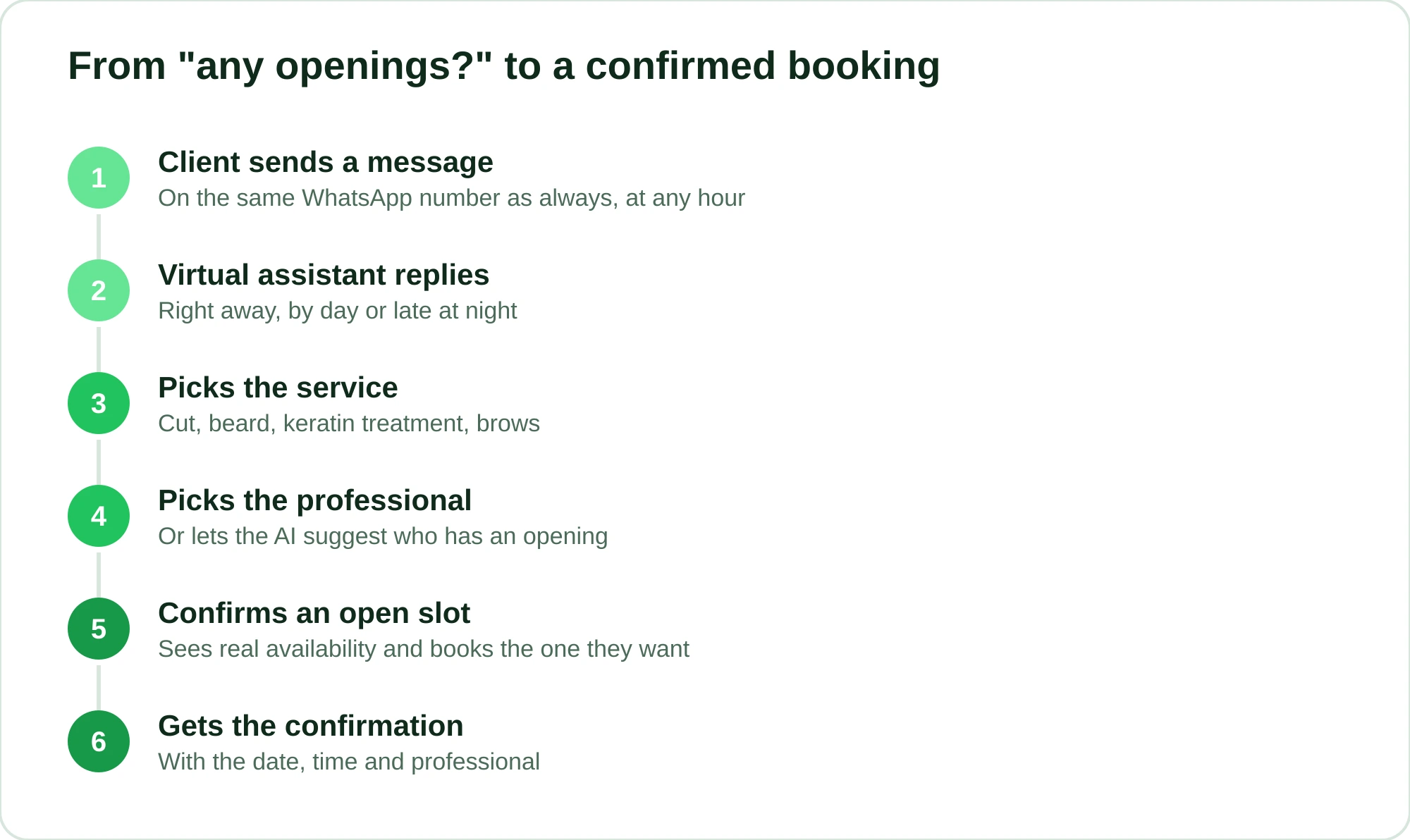
On the client's side, the flow is short. Roughly like this:
- The client messages the barbershop on WhatsApp (the same number as always).
- The virtual assistant replies right away, day or night.
- The client picks the service: cut, beard, keratin treatment, brows, whatever you have set up.
- They pick the professional (or let the AI suggest who has an opening).
- They see the open slots and confirm the one they want.
- They get a confirmation with the date, time and professional.
No download, no sign-up. They already have WhatsApp on their phone, and that's where they book. Every extra field to fill in is someone who loses interest and gives up. The easier it is, the more clients book. I cover that here: Online booking without an app: how clients book on WhatsApp.
And because the assistant works overnight, on Sundays and on holidays, the slot you would have lost becomes a confirmed booking. More on the gains of covering all 24 hours: 24/7 WhatsApp customer service for salons and barbershops.
"Won't WhatsApp ban my number?"
Fair question, and the answer depends on how the system connects to your account.
RobotiZap is a Meta-certified Tech Provider and uses the official WhatsApp API. In practice, that means the automation runs within Meta's own rules, not through a trick that hooks a second phone up to your number. Tools that automate from the outside (reading WhatsApp as if it were a cloned device) are exactly the ones that get blocked.
If this worries you (and it should), it's worth a read: WhatsApp Business account banned? How to protect yourself.
Booking is half the job. The other half is the client showing up
A schedule full of bookings that never turn into appointments is a straight loss: an empty chair doesn't pay the bills. That's why WhatsApp AI booking doesn't stop once the slot is booked.
- Automatic reminders: the client gets a heads-up before the appointment, without you having to remember to send it.
- Attendance confirmation: a quick "can you confirm?" that already filters out the people who were going to flake.
- Upfront deposit: for the services or clients with the most no-shows, you can charge a deposit through an online payment link (card) at the moment of booking. People who pay show up. People who don't free the slot for someone else.
I won't throw out an exact number here, because it varies a lot from one business to the next. But combining reminders, confirmation and deposits in the right cases can cut no-shows considerably, and in many cases the difference is plain to see on the schedule by the end of the month.
What it adds to your management (beyond booking)
Serving clients well is the visible part. Underneath, you can run the whole operation in one place:
- Multiple professionals, independent schedules: each barber or stylist with their own schedule, with no double-booking.
- Commissions: global, per service or per product, the same way you split them today.
- Prepaid packages: sell a "10 cuts" bundle and the system tracks the balance.
- Loyalty points: clients earn points and come back.
- Win-back of inactive clients: anyone who has gone quiet for a while gets an automatic nudge.
- Retail product sales, home services by ZIP code, recurring appointments, a professional portal, a public booking page and post-appointment reviews.
All tied to the same WhatsApp number that books the appointment.
Step-by-step vs. conversational AI: which one to choose
| Step-by-step (menu) | Conversational AI | |
|---|---|---|
| How the client communicates | Picks numbered options | Writes or speaks freely |
| Understands voice notes | Not needed | Yes |
| Speed for regulars | Very fast | Very fast |
| New or undecided clients | Good | Better (guides them through the conversation) |
| How it feels | Functional | Closer to a human receptionist |
And you don't have to lock this in forever. You can start with the menu, build confidence and switch on the AI later. Or use whichever fits your clientele best.
What it costs and why it's worth it
RobotiZap has a single plan, with unlimited bookings and professionals, AI included, a free trial and no long-term contract.
Think about your own front desk: what is one cut or blowout worth when you win it back because the assistant replied at 11 pm? How many hours a week do you and your front desk spend answering "any openings?" on WhatsApp? That's what the system gives back, along with the no-shows it prevents.
If you're still wondering whether a bot is right for your business, this one will help you decide: WhatsApp chatbot for salons: is it worth it?.
You can try it with no commitment and watch your schedule fill up on its own: start your free trial now. No long-term contract: you sign up, connect your WhatsApp and see it working.
Frequently asked questions
Does the client need to download an app to book?
No. They book on WhatsApp itself, on the same number they already use to talk to you. Nothing to install and no account to create.
Does the AI understand voice notes?
Yes. In conversational AI mode, the client can send a voice note and the system transcribes it and understands the request: service, professional, day and time.
Can automating WhatsApp get my number banned?
The risk exists with tools that automate outside the rules. RobotiZap is a Meta-certified Tech Provider and runs on the official WhatsApp API, within the platform's rules, which greatly reduces that risk.
Can I use it with several barbers or stylists?
Yes. Each professional has their own independent schedule, and the system prevents double-booking. Commissions per service, per product or global are also kept in the same place.
Do I have to choose between the menu and the AI?
You don't have to decide once and for all. You can start in step-by-step mode, get used to it and then turn on conversational AI, or use whichever fits your clients best.